Badminton Scoreboard
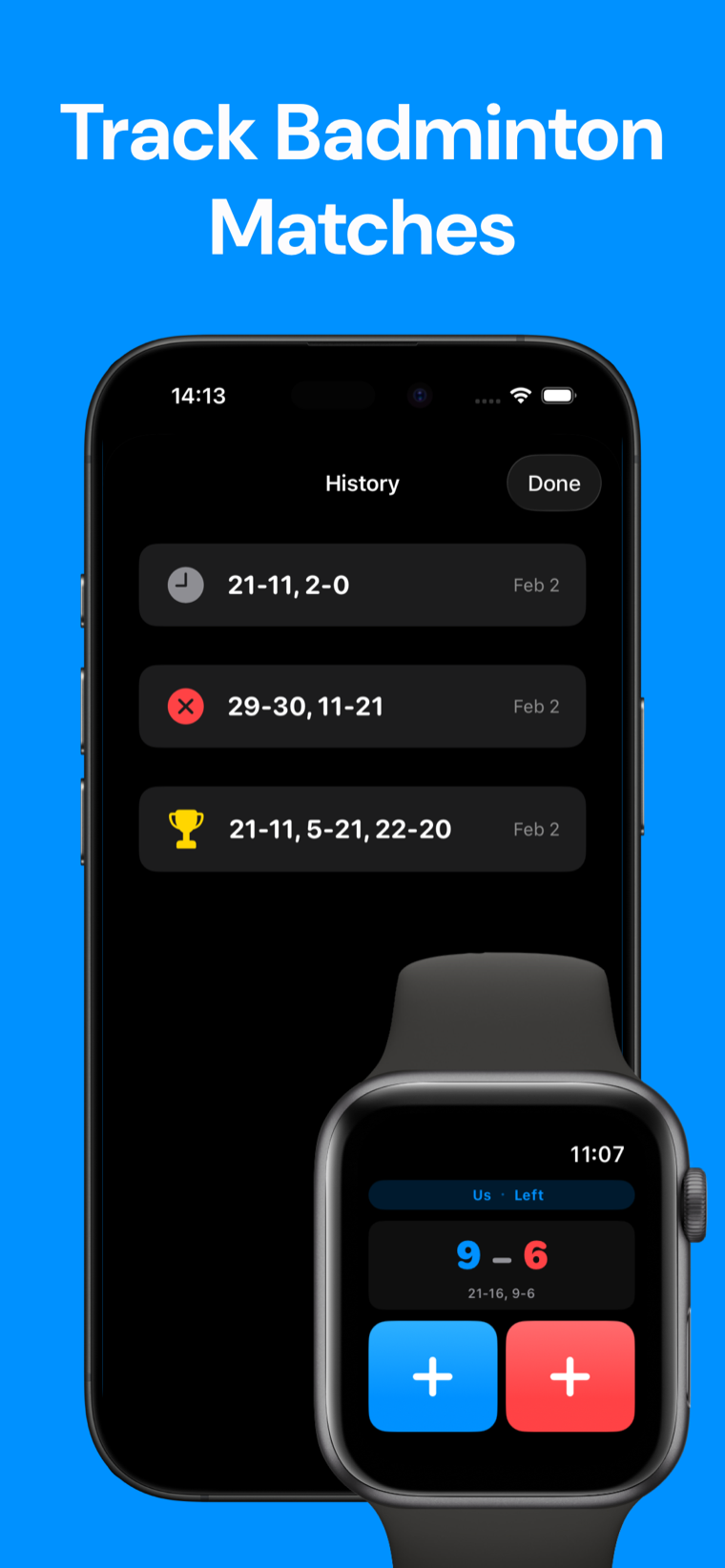
A badminton scoreboard for singles and doubles matches. Tap each rally to show the live score, current server, service court and game history.
Live score
Set the players to begin.
Side A serves from the right court.
Game history
No completed games
· Free
Track it in Badminton Scoreboard.
Keep badminton scores, match notes and court-side tools together on your device.

How this badminton scoreboard works
This badminton scoreboard follows rally scoring: every rally adds a point to the side that wins it, and that side serves the next rally. Choose singles or doubles, enter the names, then tap the winning side.
Games use the first-to-21 format with a two-point lead, except that 30 is the hard cap. The scoreboard records each completed game and shows the current server and service court from the serving side's score.
Service court = right when the serving side's score is even; left when it is odd. Ends change after each game and in the third game when the leading score reaches 11. The standard intervals are 60 seconds at 11 and 2 minutes between games.
Badminton scoreboard FAQ
How is a badminton game won?
A side must reach 21 points and lead by two. At 29–29, the side that scores 30 wins.
Which service court should I use?
The serving side serves from the right court when its own score is even and the left court when its own score is odd.
How does doubles service rotation work?
When the serving side wins, the same player serves again and partners swap positions. When the receiving side wins, it gains the serve without swapping positions.
Can I undo a tap?
Yes. Undo restores the complete prior scoring state, including the server, court, game history and ends-change state.
Will my match survive a refresh?
The scoreboard saves its state locally in your browser when storage is available. Private-browsing restrictions may prevent saving.